Works in iMessage & RCS
Text Doti
Consider it done.
Doti is an AI assistant you can text. Hand off the research, the planning and the busywork. Doti keeps going after you put your phone down, and texts you when it's done.
No app to download. Sign up with your number.
How it works
As easy as sending a text
- 1
Sign up with your number
It takes about a minute, and there's nothing to download.
- 2
Text Doti what you need
Big asks or small ones, one after another. Write the way you'd text a friend.
- 3
Get a text when it's done
Doti works in the background, then reports back with what it found and what it did.
What it does
What will you hand off first?
A few ways people put Doti to work.
Inbox and calendar requests need your Google account connected. What Doti can do on a website depends on the site.
Why Doti
An assistant that actually gets things done
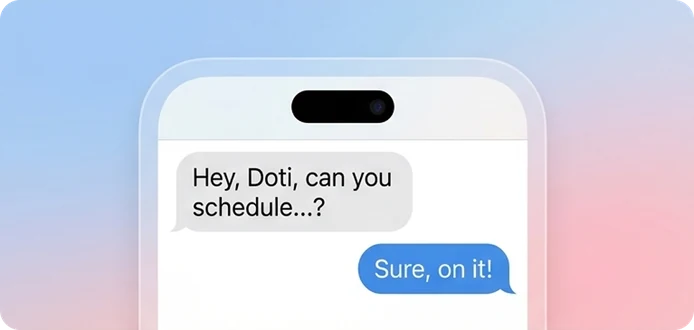
Lives in your texts
No new app, no new habit. Doti works in iMessage and RCS, on iPhone and Android.
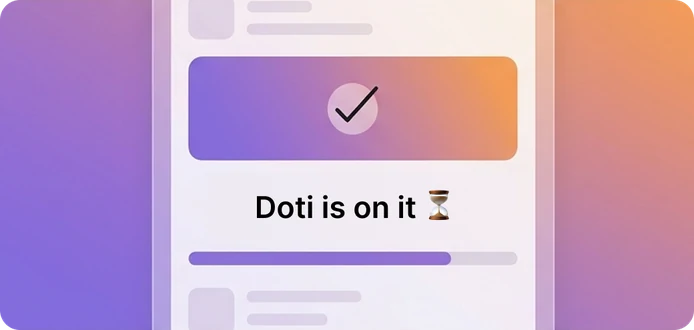
Keeps going while you're away
Put your phone down. Doti keeps working and texts you the moment it's done.
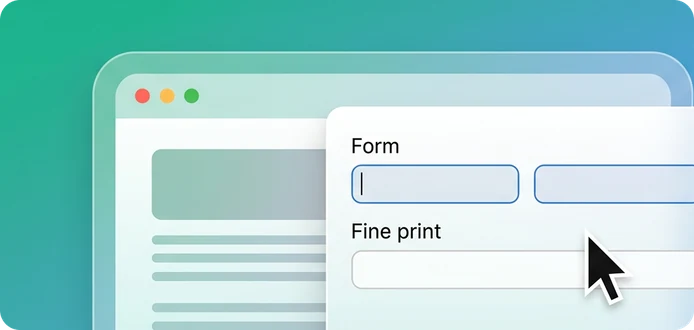
Uses the web like you do
Doti opens real websites, reads the fine print and fills out forms for you.
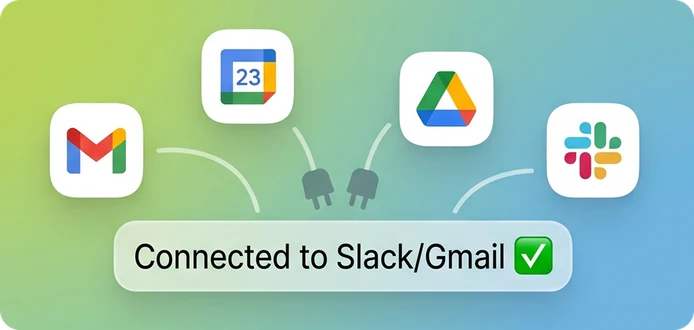
Plugs into your tools
Connect Gmail, Google Calendar, Drive, Slack and more, and Doti works right inside them.
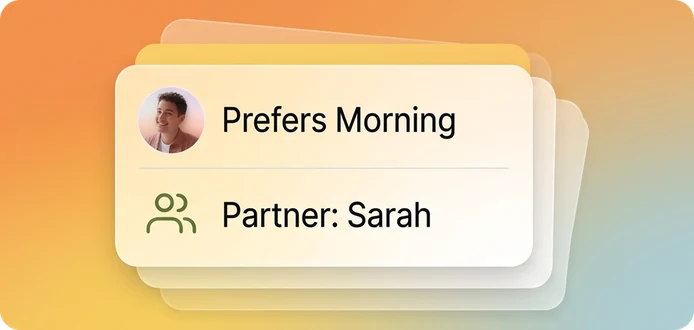
Remembers what matters
Your preferences, your people, where you left off. No need to repeat yourself.
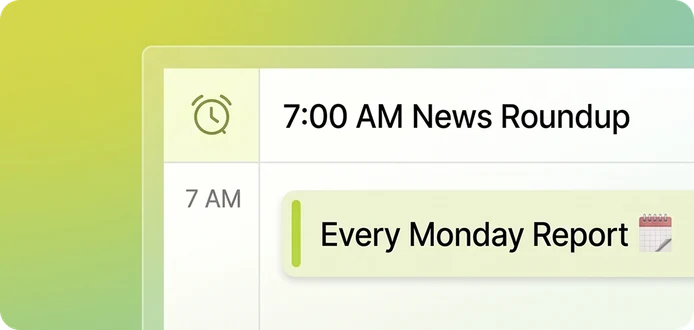
Runs on a schedule
Ask once for a 7 AM news roundup or a Monday report, and Doti watches the clock.
Privacy
Private by design
Doti handles your errands, not your secrets. Here's how we keep it that way.
Read our Privacy Policy →A workspace of your own
Doti works for you in a private workspace. Your data is never mixed with anyone else's.
Passwords Doti can use, never read
Leave a login in your vault and Doti can sign in for you without ever seeing the password.
Nothing runs on your devices
Doti works in the cloud, never on your phone or computer.
You stay in control
Disconnect any account you've linked, at any time.
FAQ
Questions, answered
How much does Doti cost?
Doti is free to try. There's nothing to install and nothing to pay.
Do I need to download an app?
No. You text Doti from the Messages app you already use. The web dashboard is there when you want to connect accounts or change settings.
Does Doti work on Android?
Yes. Doti works over iMessage on iPhone, and over RCS on iPhone and Android.
What can Doti do on websites?
Doti can browse sites, check pages and fill out forms for you. What it can do depends on the site.
How is my data protected?
Your conversations and files stay in your own private workspace, and passwords live in a vault Doti can use but never read. The Privacy Policy has the details.
How do I get help?
Email support@heydoti.co and we'll get back to you.